
XDMQ-BAGL MLB M/QB48 Solder Free Adapter Work with MLB-Tool
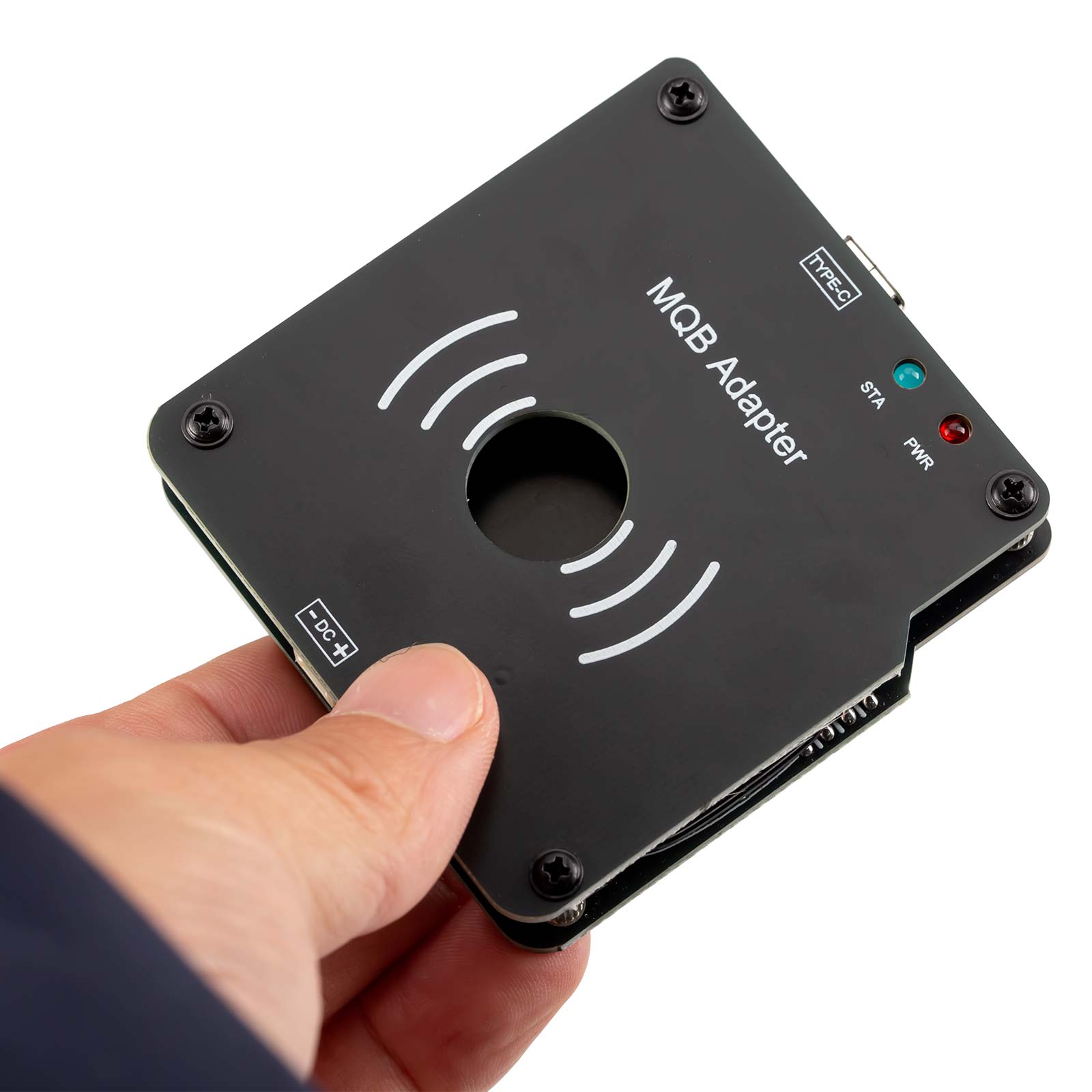
Xhorse MLB MQB48 Solder Free Adapter work with MLB-Tool for KTP/VVDI2
No need remove instrument, just remove the key, and only need to weld two wires!
Lower risk, simple operation, easy to complete key data reading!
With VVDI MLB Tool, most MQB48 additions can be easily completed!
Use with VVDI Key Tool Plus or VVDI2 that has enabled the MQB48 function to easily complete key data reading!
Indisponible
Product Description
Please Note:
This item only shipped to United States,If you are Buyers from United States, Only take 1-5 Business Days for Delivery.
If you need to return the item for some reasons, please contact us via eBay message at the first time to get the RMA#,and return address instead of sending back directly without permission,thank you!
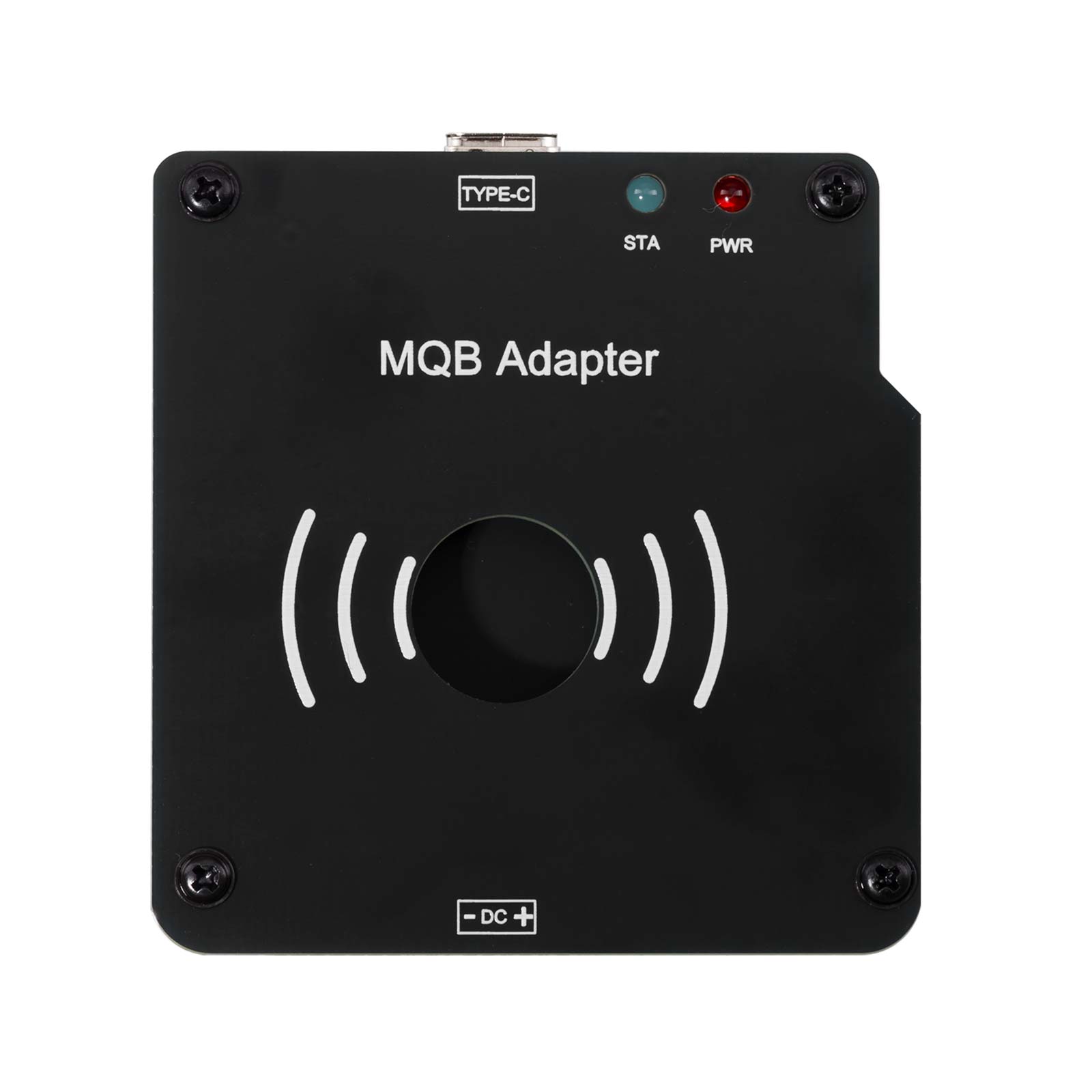
XHORSE XDMQBAGL MQB Adapter work with MLB-Tool for VVDI2 / VVDI KEY TOOL PLUS
Xhorse MLB MQB48 Solder Free Adapter work with MLB-Tool for KTP/VVDI2
- No need remove instrument, just remove the key, and only need to weld two wires!
- Lower risk, simple operation, easy to complete key data reading!
- With VVDI MLB Tool, most MQB48 additions can be easily completed!
- Use with VVDI Key Tool Plus or VVDI2 that has enabled the MQB48 function to easily complete key data reading!
- Product Features:
1. Supports most MQB48 keys
2. Low-risk & simple operation – No need to disassemble the instrument
3. Works with MLB equipment for seamless key addition
2025.01.07 VVDI MLB Tool Newest Software Update:
Release MQB48 NEC35XX immo data collection function

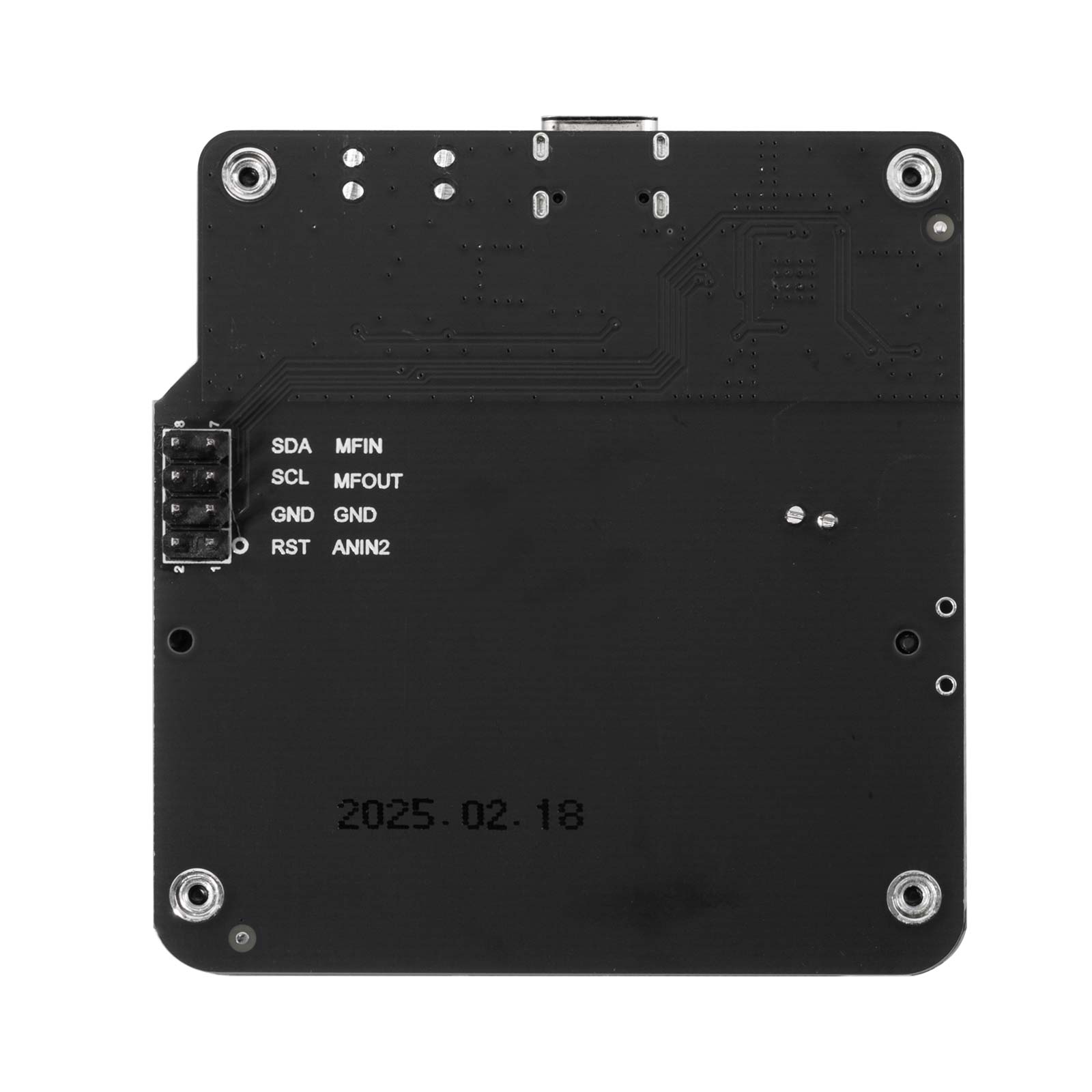
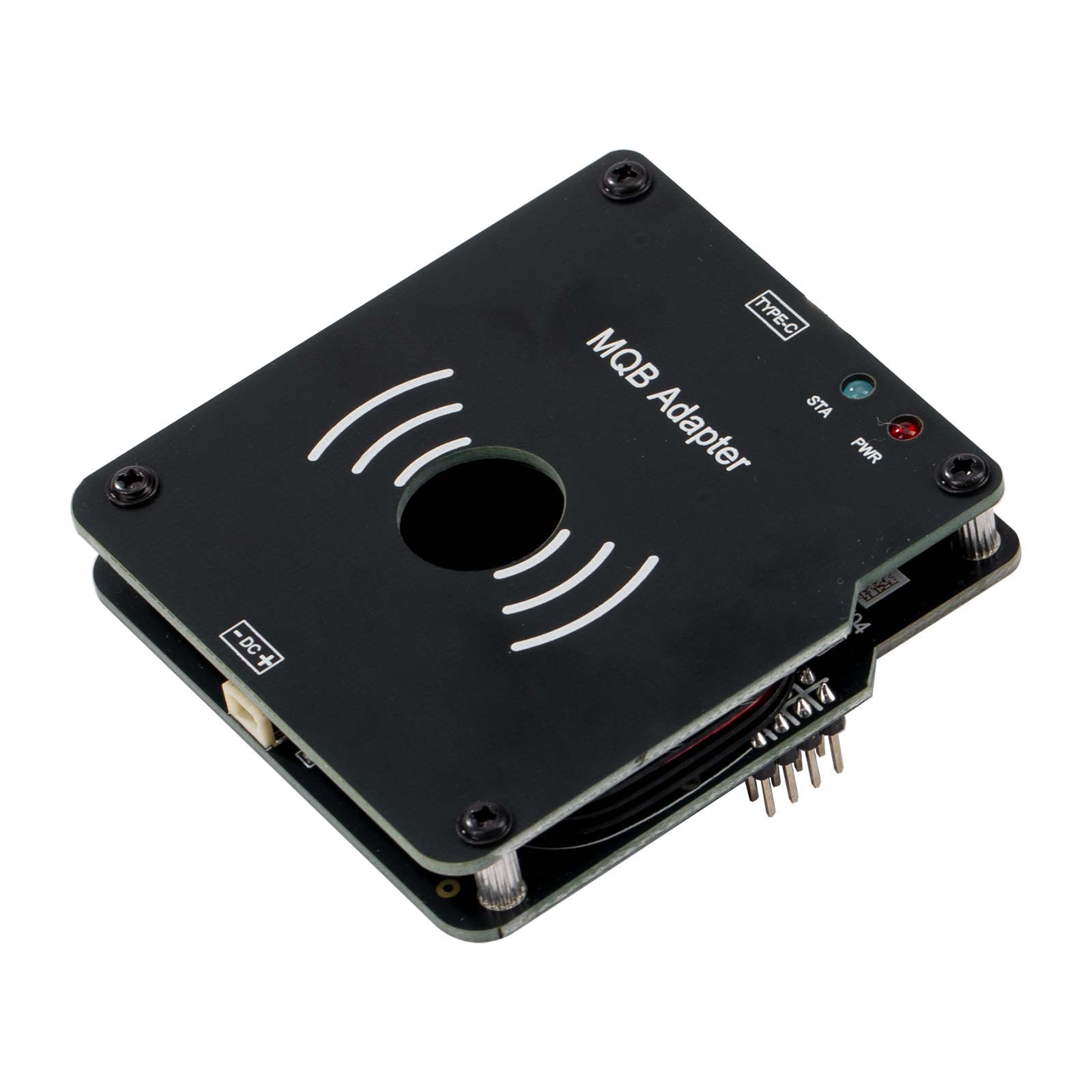
XDMQBAGL MQB Adapter Function:
Similar to MLB, open the key, read data and program additional key.
This new tool is for MQB48 Megamos AES.
Read immo data (CS code) from mqb working key on the MQB48 platform so can add keys without take the cluster to read on bench.
MLB+MQB adapter instructions:
Connect to VVDI2 device:
1. Use MLB device + MQB adapter to read IMMO data from MQB48 key.
2. Use VVDI2 to load the IMMO data read in the first step: generate key, learn key (VVDI2 needs to enable MQB function,
does not need MQB48 NEC35XX locking function)
Connect to KEY TOOL PLUS / KEY TOOL MIDI device:
1. The tablet device is directly connected to MLB device + MQB adapter, and IMMO data can be read from MQB48 key.
2. The tablet device loads the IMMO data read in the first step: generate key, learn key
(the tablet device needs to have fourth-generation authorization, does not need MQB48 NEC35XX locking function)
Notice: Recommended customers collect data on a computer instead of using a tablet/key tool plus.
Xhorse VVDI MLB Tool MQB48 Wiring Diagram
Remove one capacitor (near the IC position) on the original key, as shown in the diagram.
Solder the socket cables to the original key according to the specified colors in the wiring diagram.


Connection:


MLB Main Unit Upgrade Chip:
This chip is used to replace the original chip in the MLB main unit.
After replacement, it will work with the information collector. Discard the original chip; no need to retain it.
1.Operate Steps:
1). Disassemble the MLB main unit by removing the four case screws.

2). Remove the two screws on the circuit board.

3). Replace the chip on the circuit board.

4). Reassemble the device.
2. Usage Instructions
Key Information Collector:
Must be used with the MLB main unit; it cannot operate independently.
Connecting Cable:
Connect the adapter to the key.
Follow the software instructions to remove the capacitor from the key and solder the connecting cable to the key.

Correct Connection Method for MLB Main Unit and MQB48 Key Collector:
Diagrams:


Important Notes:
The MQB48 adapter has strict power supply requirements during data collection.
Use two separate USB cables to power the MLB main unit and the MQB48 collector. Do not use charging adapters.
The MLB main unit does not require 12V power.
Data Collection Time:
Good power supply: ~15 minutes for data collection, ~1 minute for immobilizer data calculation.
Average power supply: ~30–60 minutes for data collection, ~1 minute for calculation.
MLB MQB Adapter Connecting to a PC:
Use two USB cables.

Connecting to a Tablet:
Label 1: Use a Type-C splitter cable.
Label 2: Tablet power quality is insufficient. For better results, connect the OBD to the vehicle or supply external power to the OBD to maintain tablet battery.
Note: Tablets with a single Type-C port have poor power stability, leading to longer collection times and lower success rates. Strongly recommend using a PC.
After Successful Data Collection:
The MQB48 IMMO data will be generated. Load this data into the MQB35XX option to create and program keys.
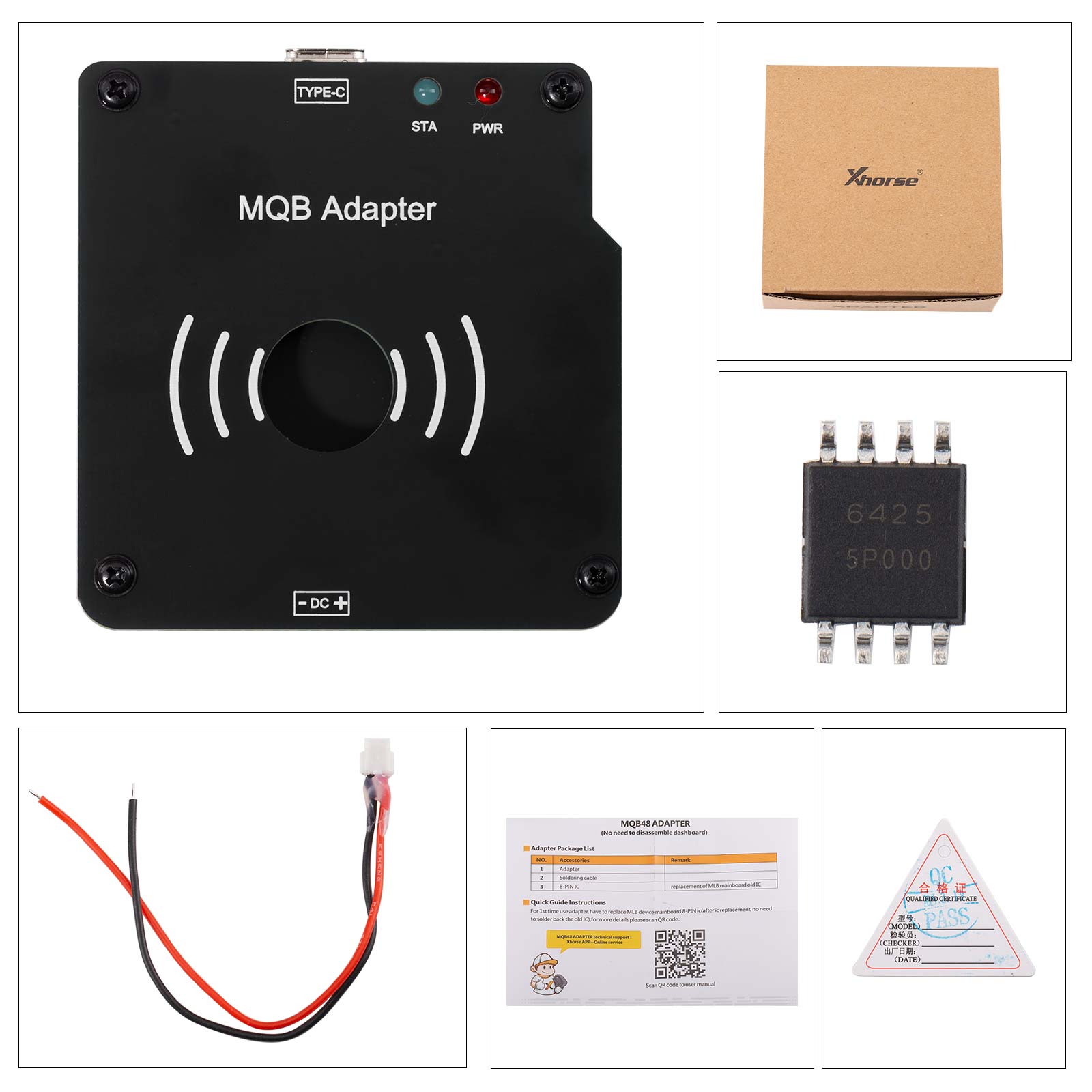
Package List:
1pc x XHORSE XDMQBAGL MQB Adapter
Spécifications
- Marque
- Xhorse
- Catégorie
- Adaptateur optionnel
- Disponibilité
- Disponibilité à confirmer
Usages professionnels
- Ateliers et professionnels recherchant une solution Adaptateur optionnel.
- Demandes de devis liées aux références Xhorse.
- Comparaison technique avant achat ou réassort professionnel.